Ground-Station Power, Display Readability, and Field Continuity
Evaluate the real field workstation through power arrangements, screen readability, interfaces, environmental conditions, recording, and a tested handover plan.
Define the workstation's operational responsibilities
A field computer can support planning, supervision, configuration, received-data recording, or payload review. Identify which tasks the actual operating process depends on and which are optional. Software launching successfully in an office is not a complete field assessment. Record the application version, interfaces, connected devices, and required information. This gives workstation preparation a concrete purpose rather than treating any available laptop as equivalent ground support.
Assess the complete power arrangement
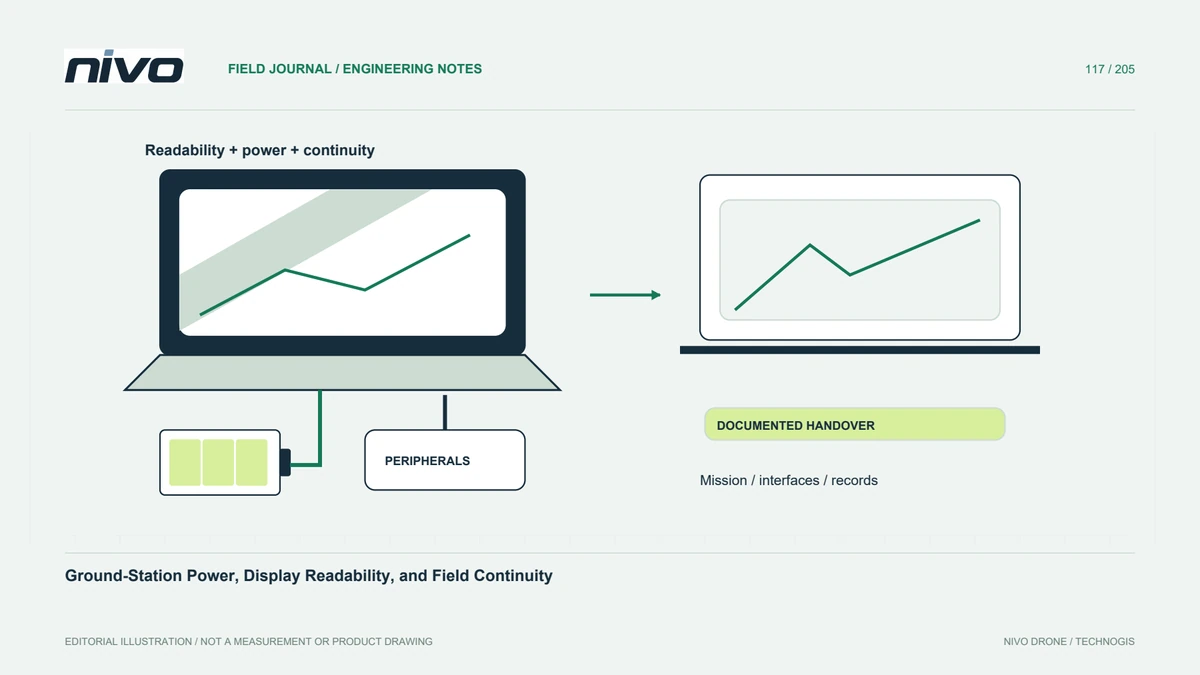
Include the laptop, modem, adapters, display accessories, and other connected equipment when reviewing power demand and availability. Identify approved chargers or external supplies and their requirements. A nominal battery-runtime claim does not describe the chosen workload, brightness, peripherals, and temperature. Evaluate representative preparation tasks through the relevant process. Do not improvise incompatible power adapters or assume an available connector provides the voltage and capacity the installed system needs.

Check readability where decisions are made
Sunlight, reflections, viewing angle, interface scaling, and screen brightness can affect whether operators recognize important information. Test the actual screen and application in suitable representative conditions. A high-resolution screenshot viewed indoors does not prove field readability. Consider map symbols, status messages, and labels without hiding essential information to make the display attractive. Any shade or workstation arrangement should also preserve access, ventilation, and the operating team's situational awareness.
Verify interfaces and recording behavior
Cables, USB devices, serial ports, network adapters, and permissions can behave differently after restart or reconnection. Keep identities and required settings documented. Confirm where received logs are stored and how their completeness is checked. A changing map does not establish that the intended record is being saved. Resolve unexplained interface changes in preparation rather than depend on one technician's memory of which cable and port worked during the previous job.
Plan for loss of workstation availability
The aircraft's documented contingency process determines the operational response when required ground support becomes unavailable. Separately, define how the team preserves records, identifies the loaded mission, and prepares any approved replacement workstation. A second laptop is useful only if its configuration and role are understood. Do not assume reconnecting another computer is always appropriate during flight. Review responsibilities and supported procedures before availability becomes a time-critical issue.
Use a field-ready workstation reference
Keep software, device identities, power assumptions, readability observations, interfaces, storage locations, and evaluated procedures together. Test the handover with another team member rather than only the original installer. This supports NiVO field continuity and makes computer-related findings easier to investigate. The accepted workstation is a documented part of the operating system, not simply hardware with a large battery, bright screen, or successfully installed ground-control application.