SIYI ZR10 for RGB Inspection: Using Zoom and Gimbal Control Effectively
Evaluate SIYI ZR10 inspection work through optical zoom, camera orientation, target detail, asset identification, integration trials, and traceable visual evidence.
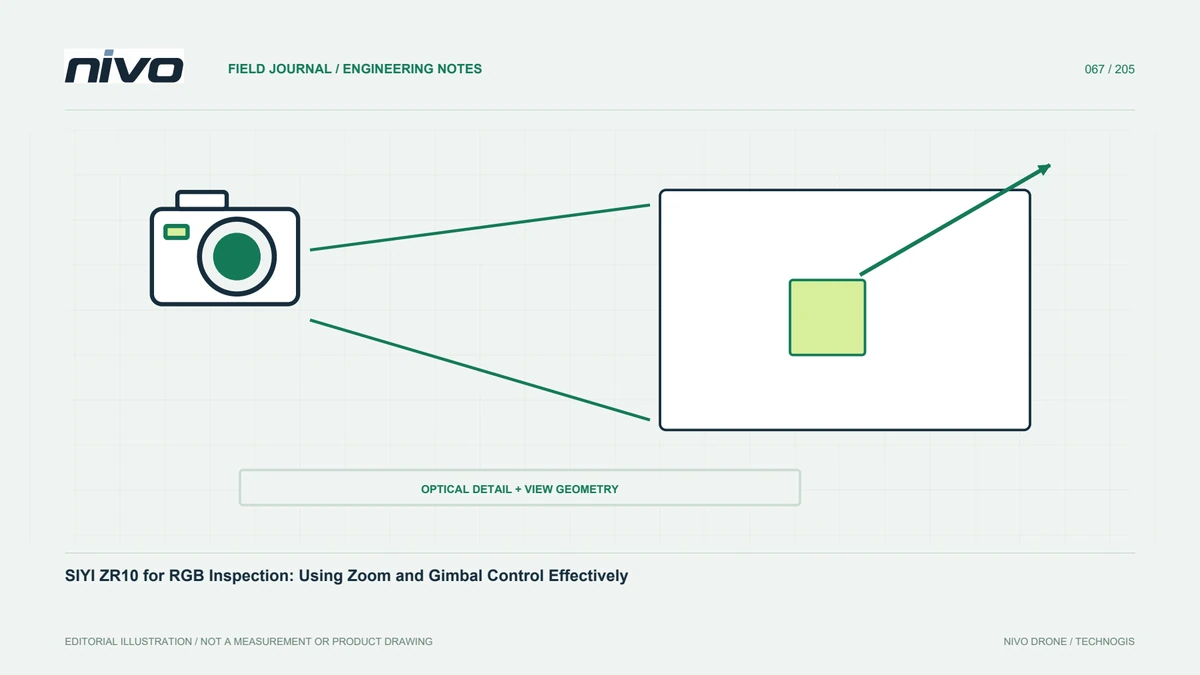
Define the camera's role in visual inspection
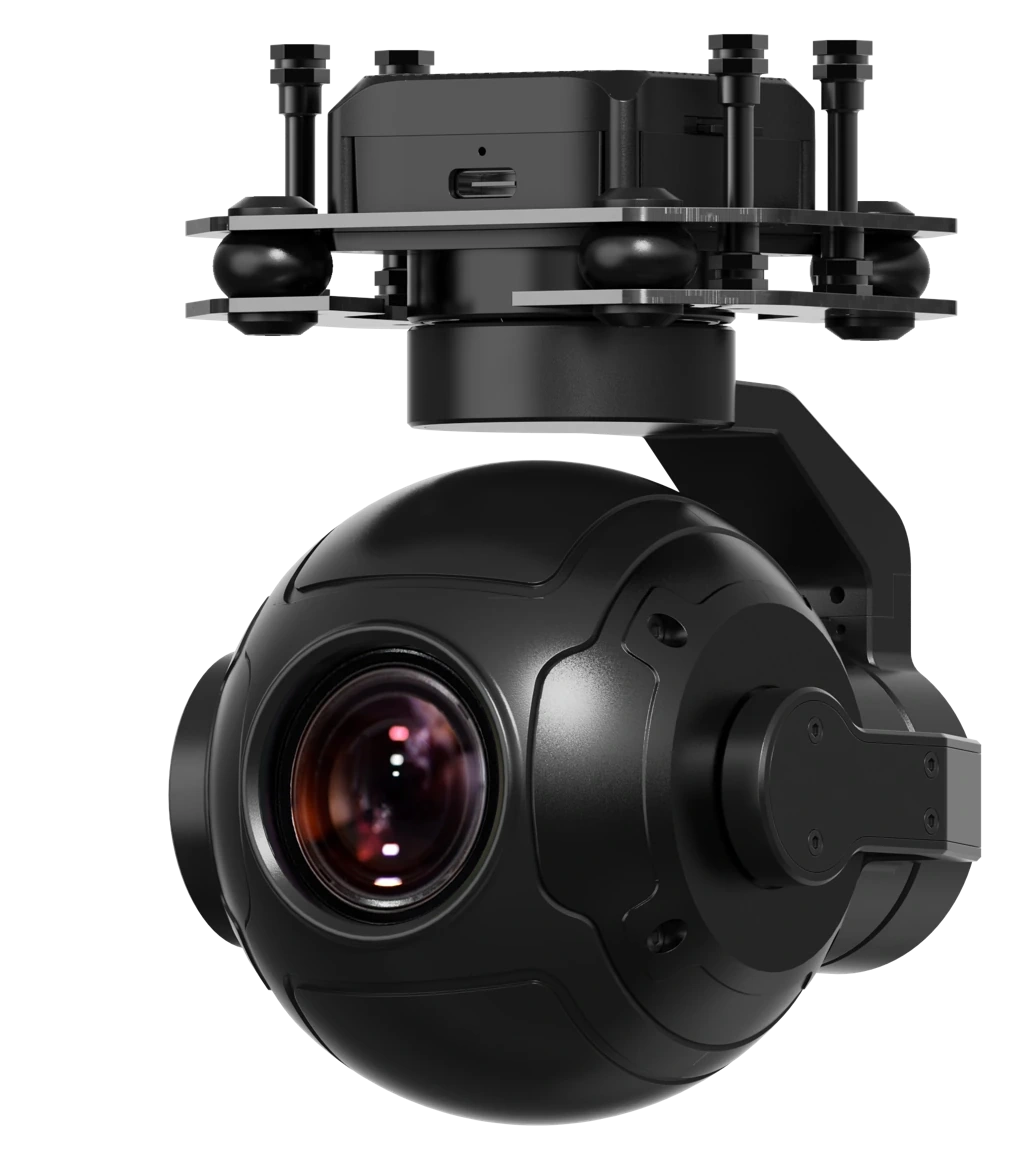
SIYI specifies the ZR10 as an RGB gimbal camera with 10× optical zoom. Its usefulness depends on the detail and context required by the assignment. Decide whether the team needs component recognition, surface-change review, or evidence supporting further investigation. Zoom availability does not diagnose every defect from the air. Agree representative targets and image standards with the recipient before flying. This connects camera features with an actual task rather than choosing equipment because its magnified live view appears impressive on a screen.
Distinguish optical zoom from additional enlargement
ZR10 documentation distinguishes optical and hybrid zoom. This matters when assessing recorded information rather than display size. Inspect original images at intended settings to establish whether target detail remains readable. Do not imply that every magnification level adds equal information. Compare representative shapes and textures, considering both clarity and stability. Record the relevant zoom setting with important findings. Later reviewers can then understand how evidence was acquired without confusing a larger display with changed asset condition or an automatically improved measurement capability.
Keep context when capturing close detail
A narrower view can hide the relationship between a small feature and the wider asset. Capture locating context before detailed views. Use agreed structure identities, component numbers, directions, or other references. In facilities containing repeated parts, a sharp close-up can still be unusable if nobody can identify its location. Establish a consistent overview-to-detail sequence and connect files through names or field records. The technician should be able to find the intended part without guessing among similar components throughout the site.
Practice gimbal operation as a separate skill
Operators need to understand vehicle direction, camera orientation, control modes, and angular limits. Practice before working around actual assets. Demonstrate maintaining a target, changing zoom progressively, and returning to a contextual view. Check response and display delay with the intended link. Where pilot and camera operator are different people, agree simple communication so positioning requests are unambiguous. Stable video alone does not establish a successful inspection workflow. The camera, aircraft, links, and team must coordinate the observation without confusing their respective responsibilities.
Test detail under planned distance and lighting
Recognizable detail depends on target size, distance, angle, light, and system stability. Capture representative examples and review original files with the asset examiner, not just the small transmitted image. Check focus, movement blur, shadows, and clipped highlights. If evidence is insufficient, reassess geometry and configuration through the appropriate operating review. Sharpening cannot replace information never captured. Retain examples of accepted and rejected images so operators have a practical reference when conditions change during the actual inspection.
Review mounting, power, and interfaces
Assess the ZR10 together with its mount, cables, power, communication, and moving clearances on the selected NiVO aircraft. Confirm specifications for the actual unit and generation. Protect cables through the motion range and ensure the required viewing direction is unobstructed. Test startup, control response, storage, and status indications. Establish how data are retrieved without losing file relationships. A catalog entry starts consultation; it does not prove identical installation on every aircraft or approval of accessories not evaluated in the demonstrated configuration.
Design the inspection around an asset checklist
The route should follow components that need evidence, not merely a tidy flight pattern. Specify viewpoints, likely obstructions, and locating context for each finding type. Record areas unavailable from the chosen arrangement. Define when documentation is sufficient and when more observations are required. Coordinate relevant asset operating conditions with the owner. Zoom then serves a traceable inspection procedure rather than becoming an isolated feature. An asset-based plan reduces the risk of collecting many photographs while overlooking important components lacking an adequate view.
Separate visual observations from technical diagnosis
Images may show staining, altered shape, unusual components, or surface differences. Causes and severity often require technical assessment and additional information. Describe what is directly visible before offering interpretation. Mark unverified explanations as such and request appropriate follow-up rather than implying confirmation. Include multiple views when they test alternative explanations. A report separating observation, hypothesis, and next action is easier for maintenance teams to use. RGB gimbal imagery expands documentation while asset assessment remains with personnel who understand the equipment and required inspection methods.
Close the loop with consistent finding records
Verify files, asset identities, and overview-detail pairs after the assignment. Give findings stable numbers so status can be updated after investigation. Keep configuration, relevant zoom settings, and capture conditions with the report. Repeated inspections can then use comparable views. Test whether recipients can locate the part and understand the reason for review without extra verbal explanation. If not, improve documentation. Payload value comes from clear images linked to location, context, and follow-up, not from sharp photographs that remain disconnected from everyday asset management.
Illustrative case: a sharp zoom image without a location
Consider a hypothetical operator using a SIYI ZR10 to record detailed views of repeated structural components. A close image clearly shows an unusual surface condition, but the report reviewer cannot identify which of several similar components it represents. The zoom setting helped make the detail readable while removing nearly all locating context. Rather than treating the image as a complete finding, the team checks timestamps, overview images, and field notes to see whether the relationship can be established without guessing. The uncertain location is kept visible in the record.
For the next trial, the operator follows a consistent overview-to-detail sequence and associates both views with one finding number. The camera operator and pilot agree simple terms for direction and target identity before changing viewpoints. Original files are inspected to distinguish genuinely recorded detail from additional display enlargement. The acceptance exercise asks a technician who was not present to locate the component using only the report package. If that person cannot do so, the documentation is revised before the full assignment. This hypothetical example shows how zoom and gimbal capability become useful inspection tools only when readable detail remains connected to an identifiable asset, explicit evidence status, and a practical follow-up question.
The team compares accepting the original image with an explicit unresolved location against returning for a properly identified observation. It does not invent an asset number to make the report look complete. Handover criteria require a stable finding identity, a locating overview, readable detail, and an explanation of the observed condition without an unsupported diagnosis. Where uncertainty remains, the status directs a specific verification task. This gives maintenance staff an honest work item instead of a sharp image that appears authoritative but cannot be reliably connected to the physical component requiring attention.