Keeping RGB Colors Consistent in Drone Asset Inventories
Control white balance, rendering, viewing, and source identity when RGB color supports asset comparison, without treating ordinary photographs as spectral measurements.
Define the purpose of color
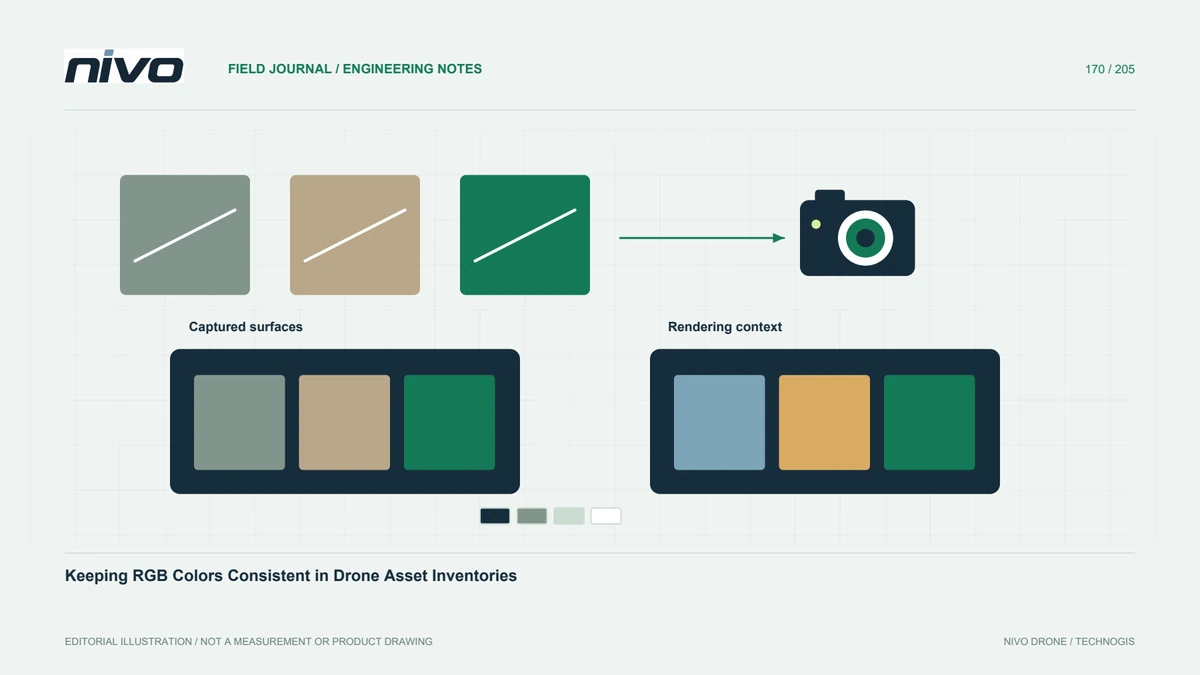
Color may help distinguish roof materials, coating areas, or visible surface changes in an inventory. State whether it is descriptive context or part of a formal measurement requirement. An ordinary RGB photograph does not automatically provide calibrated material reflectance. Agree examples with the recipient before capture. A useful color workflow preserves understandable appearance across the relevant image set while avoiding conclusions about material chemistry or deterioration based solely on a displayed hue.
Record capture and rendering choices
Keep white-balance mode, relevant camera rendering settings, file format, and lighting notes with the project configuration. Automatic adjustments may change appearance between views even when the object remains unchanged. This does not mean automatic settings are always unsuitable; it means the chosen behavior must be tested. Sony's development tools allow image adjustments, so any later conversion also needs a documented recipe. Separate source characteristics from changes introduced during rendering.
Test representative materials together
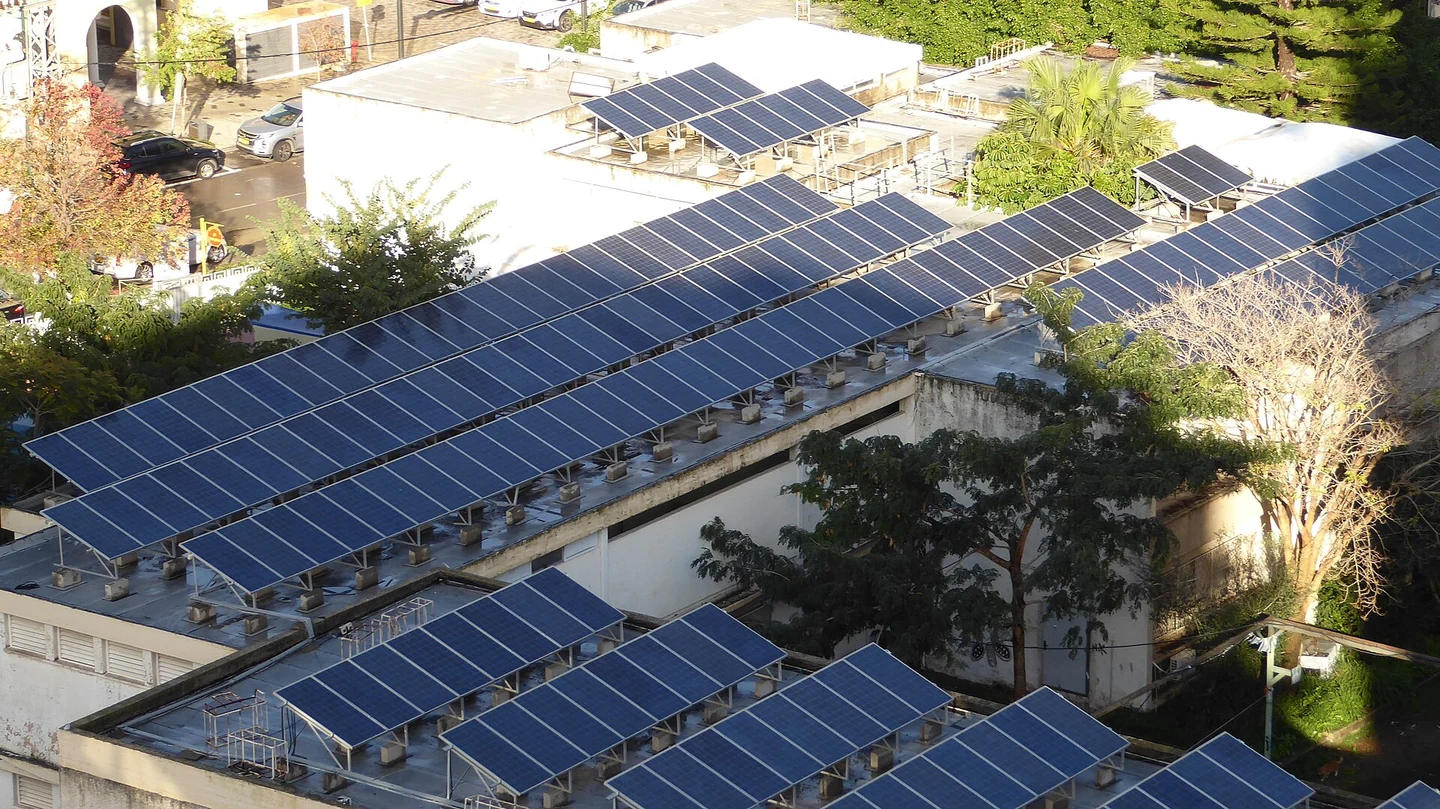
Include surfaces that matter to the inventory in the trial, such as painted panels, pale concrete, and vegetation beside the asset. Compare several views under the planned conditions. Look for differences caused by shadow, reflection, or exposure before classifying a material change. If a reference target forms part of a specialist workflow, follow its documented use. Do not add a target casually and then claim that every photograph has become an absolute color measurement.
Control the review environment
Two viewers may see different colors because of display settings, software rendering, or export choices. Agree the working software and a practical review arrangement. Keep an original file available beside report illustrations. Avoid repeated resaving and undocumented saturation changes. The goal is not identical appearance on every possible screen, but a defensible review process in which the recipient understands how photographs were rendered and which comparisons remain appropriate for the inventory task.
Separate lighting change from asset change
For repeat visits, compare orientation, illumination, surface wetness, and rendering history before calling a color difference a new condition. Keep a contextual view and acquisition notes with the detail. If those circumstances are not comparable, report the uncertainty and request appropriate verification. A darker coating in one image may be shaded rather than degraded. The register should distinguish a visible difference requiring review from a material-change conclusion supported by additional evidence.
Publish a traceable visual classification
Provide class definitions and examples, including ambiguous cases. Link each inventory observation to source photographs and document any processing used for presentation. Keep a review status where color alone is insufficient. When discussing Sony payloads with NiVO, bring the material examples and desired output rather than requesting stronger colors as an undefined feature. Acceptance should demonstrate consistent, useful documentation and clear interpretation limits, not an unsupported promise of laboratory-grade material identification.