UTC, GNSS Time, and the Meaning of Camera Event Timestamps
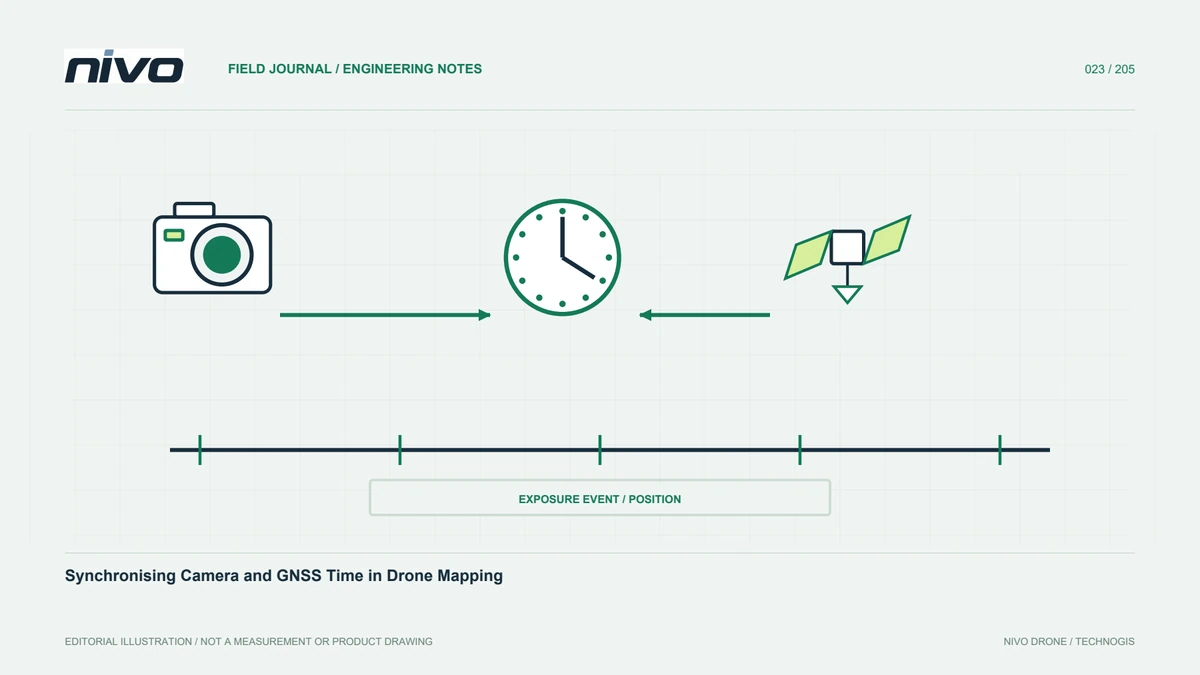
Trace camera and navigation timing through time scales, time zones, startup clocks, event definitions, and documented conversions before combining observations.
Identify each clock before matching records
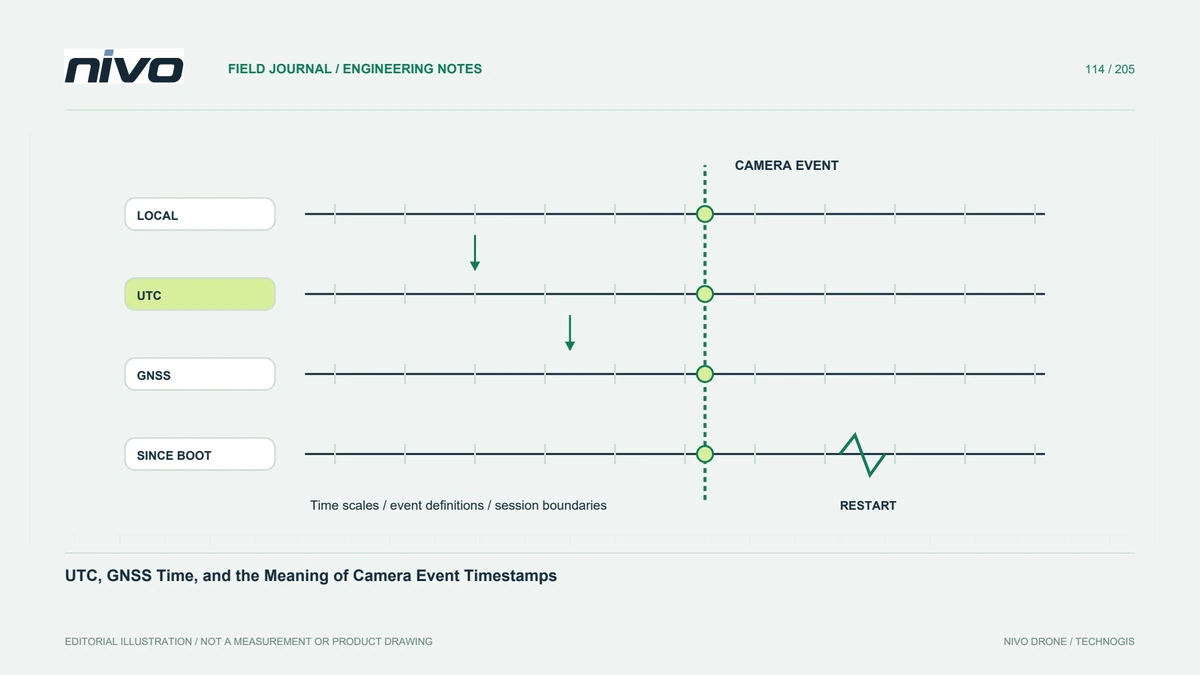
A timestamp can describe local civil time, UTC, a GNSS system time, or elapsed time since startup. Similar-looking fields are not necessarily interchangeable. Identify the source, units, epoch, and time-scale definition for every record used in the workflow. A filename containing a date does not resolve these questions. This inventory prevents an apparently small timing discrepancy from being addressed with an undocumented shift that breaks another part of the dataset.
Separate time-zone conversion from time-scale conversion
Changing local time to UTC is a different operation from interpreting a GNSS time scale. Leap-second handling can matter to systems that combine such records. Use authoritative information and the device or software documentation rather than hard-coding a remembered offset into a permanent workflow. Keep the conversion date and method where relevant. This article does not supply a universal current offset for every constellation, receiver output, and file format.
Define the event being timed
A camera command, an exposure event, file creation, and data receipt can have different timestamps. Clock synchronization does not make those events physically identical. Establish what the installed system records and how it relates to the observation used for georeferencing. Preserve the original event fields and any measured or documented timing relationship. A convenient software field should not silently replace the event actually required by the intended positioning method.
Account for restarts and discontinuities
A startup-based clock can reset when a component restarts, while another device continues its timeline. Identify session boundaries and relevant status events before combining files. Repeated timestamps, changed dates, and gaps require explanation rather than automatic deletion. Retain enough context to associate each segment with the correct device and session. A visually continuous plot can conceal an incorrect join if separate clock origins were merged without documented treatment.
Verify conversions with representative examples
Use known events and suitable checks at the beginning, middle, and end of the relevant period. Confirm units and conversion direction. A single matched photograph may not reveal drift, a restart, or an incorrect date convention. Preserve the calculation or software settings and explain remaining uncertainty. Where synchronization protocols are involved, read their implementation limits instead of assuming the presence of a synchronization message proves accurate exposure-time correspondence.
Publish a readable timing map
Provide a concise diagram linking clocks, event meanings, sessions, conversions, and accepted evidence. Keep originals alongside derived timestamps so another analyst can audit the relationship. Update the map when equipment or processing changes. This supports NiVO camera and GNSS integration while preventing a familiar timestamp label from being treated as self-explanatory proof that all observations share one correct time reference and event definition.