Recording Gimbal Direction So Inspection Images Remain Locatable
Keep camera orientation, asset identity, reference frames, timing, and source-file links understandable so a close image can be traced back to its physical target.
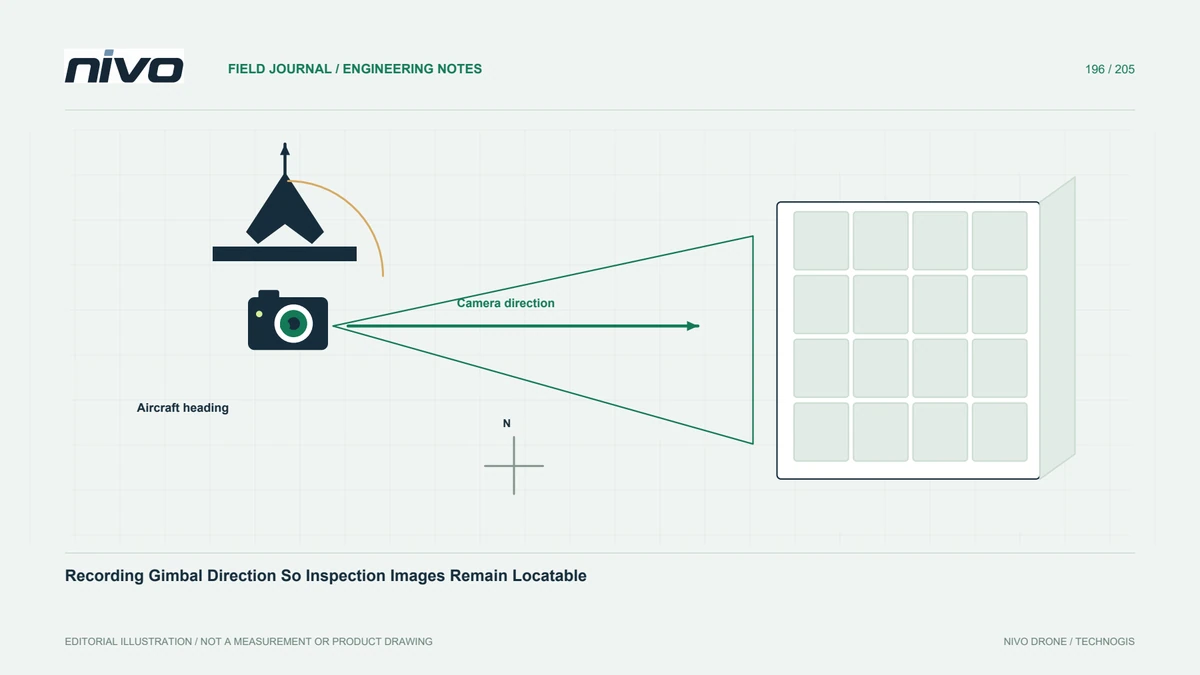
Separate aircraft heading from camera direction
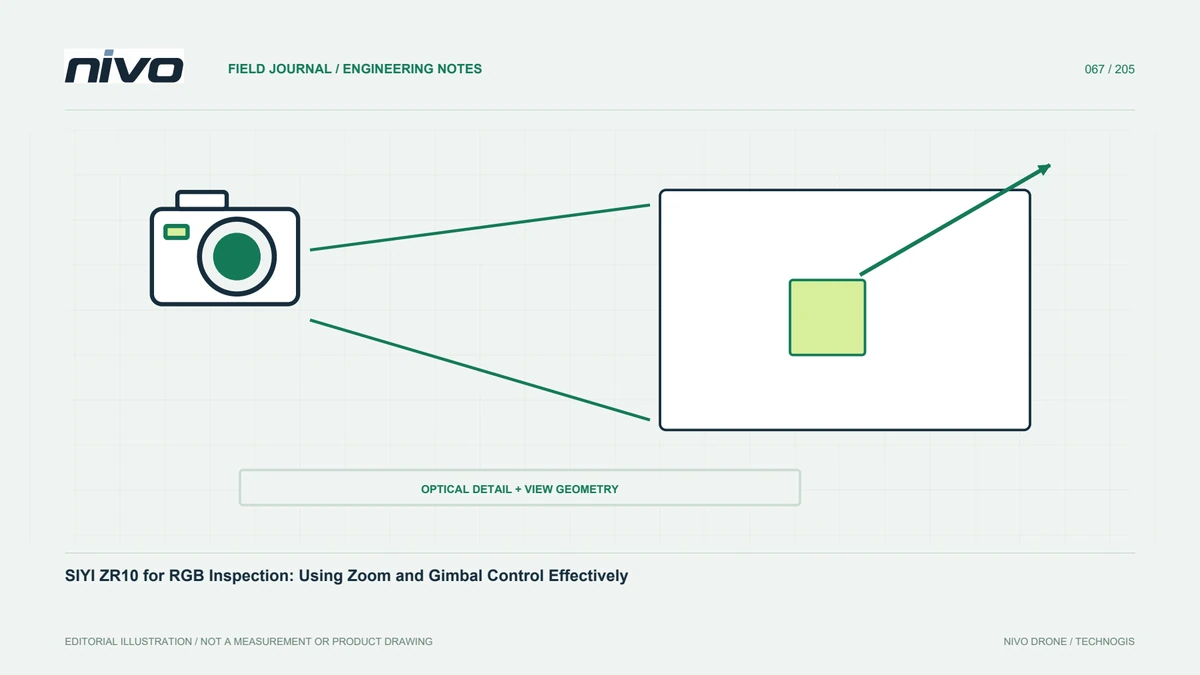
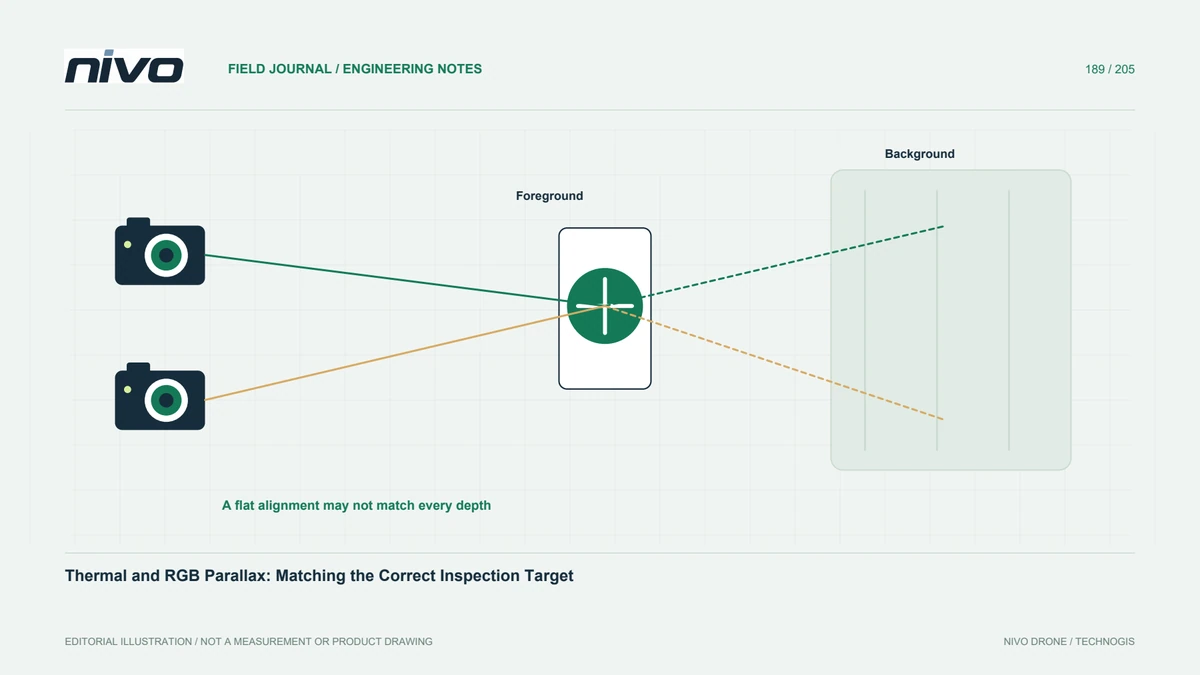
A gimbal can look away from the aircraft's forward direction. The aircraft track alone may therefore be insufficient to explain which asset surface appears in a close photograph. Begin with a simple target identity and locating view. Record camera direction where available, but do not treat it as a substitute for asset context. The purpose is to preserve a usable relationship between the saved image and the physical component that the examiner must later find.
Understand the orientation reference
Camera angles can be expressed relative to the vehicle or another reference, and control modes can change the relationship. ArduPilot documentation distinguishes gimbal controls and describes attitude-status information in supported interfaces. Confirm what the actual installed system provides and how the relevant reference frame is defined. Do not copy an angle from a display into the report without understanding its meaning. A precise-looking number with an unknown reference can mislead more than a clear descriptive direction.
Test recording and timing together
Capture a controlled sequence of identifiable targets while retaining the available gimbal and aircraft records. Check whether timestamps and source files can be associated reliably. A command to move the camera does not necessarily prove its orientation at the exposure instant. Distinguish desired direction from measured or reported status. Document missing information and latency concerns rather than filling every image row with an assumed angle simply because the control sequence was known.
Keep overview-to-detail links
Use an agreed sequence from locating context to close detail and assign one stable finding identity across related files. This remains valuable even where good orientation metadata exists. Repeated panels or components can be ambiguous despite approximate camera direction. A reviewer should locate the target through asset relationships, not calculate it from flight geometry alone. Preserve uncropped overview images and any field notes identifying sides, levels, or segments relevant to the observation.
Document mode and configuration changes
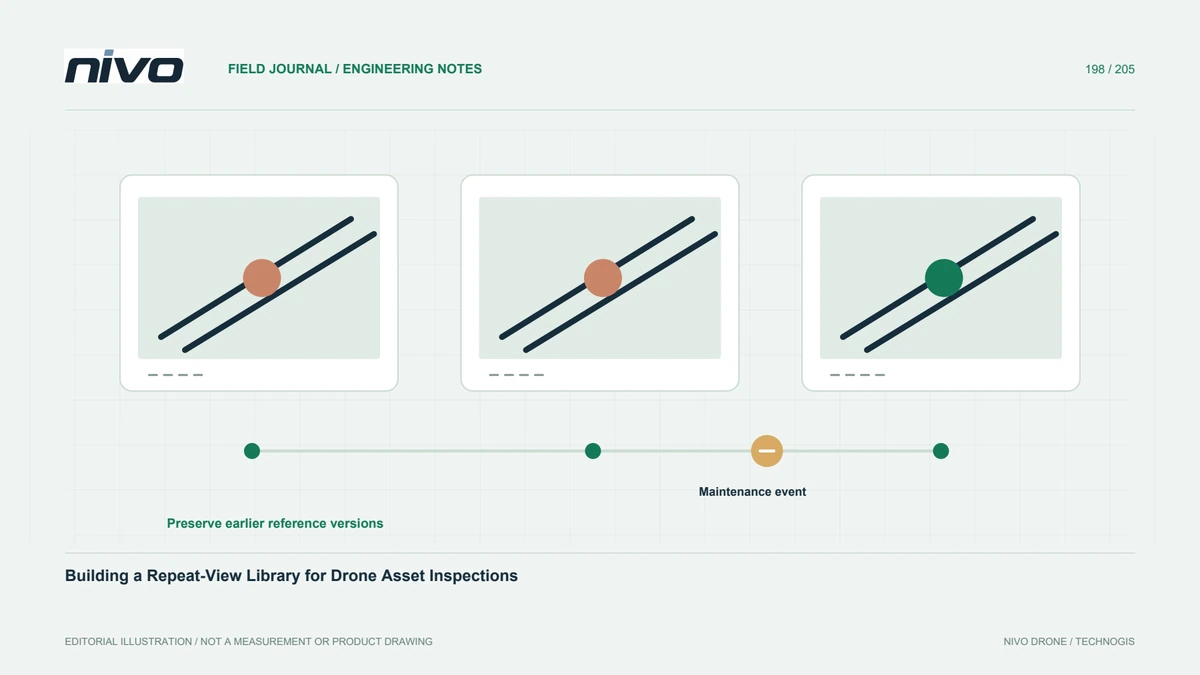
Record changes affecting control, orientation references, naming, or file relationships. Review the actual firmware and integration guidance rather than assuming every SIYI installation behaves identically. If telemetry is absent, retain an explicit limitation and strengthen locating context where appropriate. Do not invent metadata to make the archive appear complete. A reproducible configuration record helps explain why observations from two missions have different orientation evidence and what can still be compared responsibly.
Accept the relocation workflow
Ask a technician absent from acquisition to find a reported component using the asset register, overview, detail, and available orientation record. Include a case where the aircraft and camera point in different directions. Resolve ambiguity before full deployment. Discuss representative records during NiVO gimbal-payload consultation. Acceptance should demonstrate an understandable evidence trail for the installed system, without claiming universal direct geolocation of every image pixel or automatic identification of components from camera angles alone.